SMS
Before Kontakt can send SMS for you, the mobile networks must approve the sender name customers see. Register it once, and every approved name is ready for journeys, broadcasts, and the inbox.
SMS in Kontakt is for messages you send: offers, reminders, and alerts from journeys and broadcasts, and one-off texts from Conversations. Customers see your registered sender name, such as MYSTORE, instead of a phone number. Kontakt handles delivery, so you don't connect your own SMS provider account.
Before you start
- A role that can change workspace settings.
- Your company details: legal name, registration number, address, contact details, website, industry, and the name and title of the person who signs.
- Company letterhead and someone who can sign letters on it.
- The sender names you want, and a sample of the text each will send.
Register a sender
Start a registration
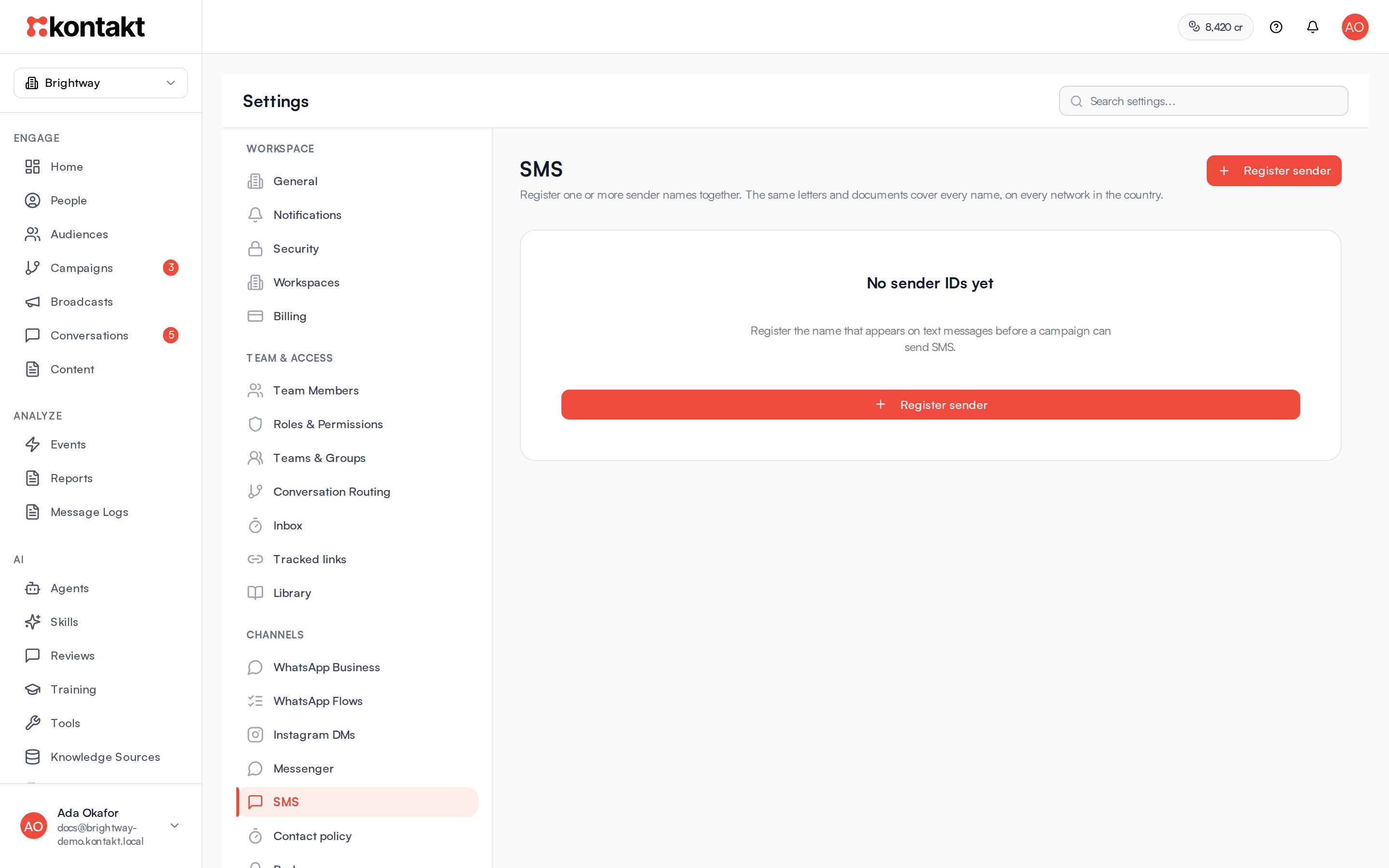
Go to Settings / SMS and click Register sender. The Register a sender form has four steps.
Step 1: Country
Choose the Country. Every sender name in the registration is requested on all networks in that country, and the networks are listed under the picker. For Nigeria that is MTN, Airtel, Glo, and 9mobile.
Step 2: Company profile
Fill in Legal name, Registration number, Company address, Phone, Email, Website, Industry, Incorporation date, Business objective, Signatory name, and Signatory title. Only Legal name is needed to continue, but the networks read the rest in your letters.
Step 3: Sender names
For each name, enter the Sender name (letters and digits only, up to 11 characters), choose Traffic: Promotional or Transactional, and add at least one sample with a Use case and Sample text. Use Add another sample and Add another sender as needed. Then click Create draft letters.
Step 4: Letters and documents
Kontakt drafts one letter per network. For each, click Download Word draft, copy it onto your letterhead, sign it, and upload the scan. Under Supporting documents you can add a CAC certificate, a director ID, or any other file that may help. Click Submit for registration once every signed letter is uploaded.
You can stop at any point. A draft registration shows a Continue button so you can pick it up later.
After you submit
Your registration pack is sent on for filing with the networks. Each network reviews it on its own timeline. The sender card shows every name with its status per network, for example "MTN: approved" or "Glo: submitted". Network statuses include pending, submitted, approved, and rejected, and the card shows an overall status for the registration.
A sender name is ready on a network as soon as that network approves it. You don't need to wait for every network.
How it behaves
Sending from journeys
Add a Send SMS step to a journey and set Purpose to Marketing or Transactional. By default SMS sender is Pick automatically: Kontakt uses an approved name for the matching traffic type (promotional for marketing, transactional for transactional messages), in the person's country, on the person's network. If no sender is approved on that network yet, the step is skipped for that person. To always send from one name, choose it under SMS sender; people it isn't approved for are skipped. See Journeys.
Sending from Conversations
Click New Conversation, choose SMS, and pick one of your approved senders under Send from. Then choose the person. If you see "No approved SMS senders yet", no network has approved a name yet.
SMS is one-way in Kontakt. Customer replies don't appear in Conversations.
Consent and opt-outs
- Marketing SMS only goes to people with SMS consent. Others are skipped.
- If a customer's reply of exactly STOP or START reaches Kontakt, their SMS consent changes to unsubscribed or subscribed.
- Marketing sends also follow your contact policy: daily and weekly caps and quiet hours.
Sending broadcasts
Choose SMS when you create a broadcast and pick one approved sender name under Send from. Unlike a journey step left on Pick automatically, a broadcast uses that one name for everyone, so people on a network where it isn't approved yet, or outside its country, are skipped. A promotional name follows the consent and contact policy rules below. A transactional name skips those checks, but people who replied STOP are still skipped. See Broadcasts.
Cost
Each SMS uses credits, priced by destination country and traffic type. See Channel pricing and the rate card.
Sender name rules
- Letters and digits only, up to 11 characters. Kontakt converts names to capitals.
- Each name can appear once per registration, and one registration can hold up to 20 names with up to 12 samples each.
- In Nigeria, INFO, PROMO, SMS, and FREE are reserved and can't be registered.
- Each name is registered for one traffic type. Journeys only use promotional names for marketing and transactional names for transactional messages. In a broadcast, the name you pick sets the traffic type and the rate.
Troubleshooting
Submit for registration is greyed out
A signed letter is missing. The form lists what is still needed under the button.
A journey skipped SMS for some people
Those people are on a network where your sender isn't approved yet, have no phone number, have no SMS consent, or hit your contact policy limits. If the step has a chosen SMS sender, people outside that sender's approved country and networks are skipped too. Check the journey's step results.
A network rejected my sender name
Contact Kontakt support with the reference shown on the sender card. You can register a different name in a new registration.