Reviews and training
Reviews let a person check AI replies before customers see them. Training teaches your agent from conversations you have already had.
Two parts of the AI section help you keep answers right. Reviews is the queue of AI replies waiting for a person to approve. Training imports your past conversations and turns them into voice settings, knowledge, and skills. Ratings you give replies in the Playground or inbox feed the same quality loop described in Agent health.
Before you start
- To approve or reject reviews, you need permission to reply to conversations.
- To run training imports, you need a role that can change workspace settings.
When a reply goes to review
An AI reply is held for review instead of being sent when:
- The agent's Mode is Supervised. Every reply from that agent is reviewed.
- The skill's Auth tier is Advisory. Its replies are always reviewed.
- The AI could not produce a confident answer and fell back to a safe reply.
While a reply waits, the conversation sits in the Open tab in Conversations with a Pending review badge. When the AI fell back to a safe reply, the conversation is also handed to your team, so the AI stops replying until it is resolved.
Approve or reject a reply
Open the queue
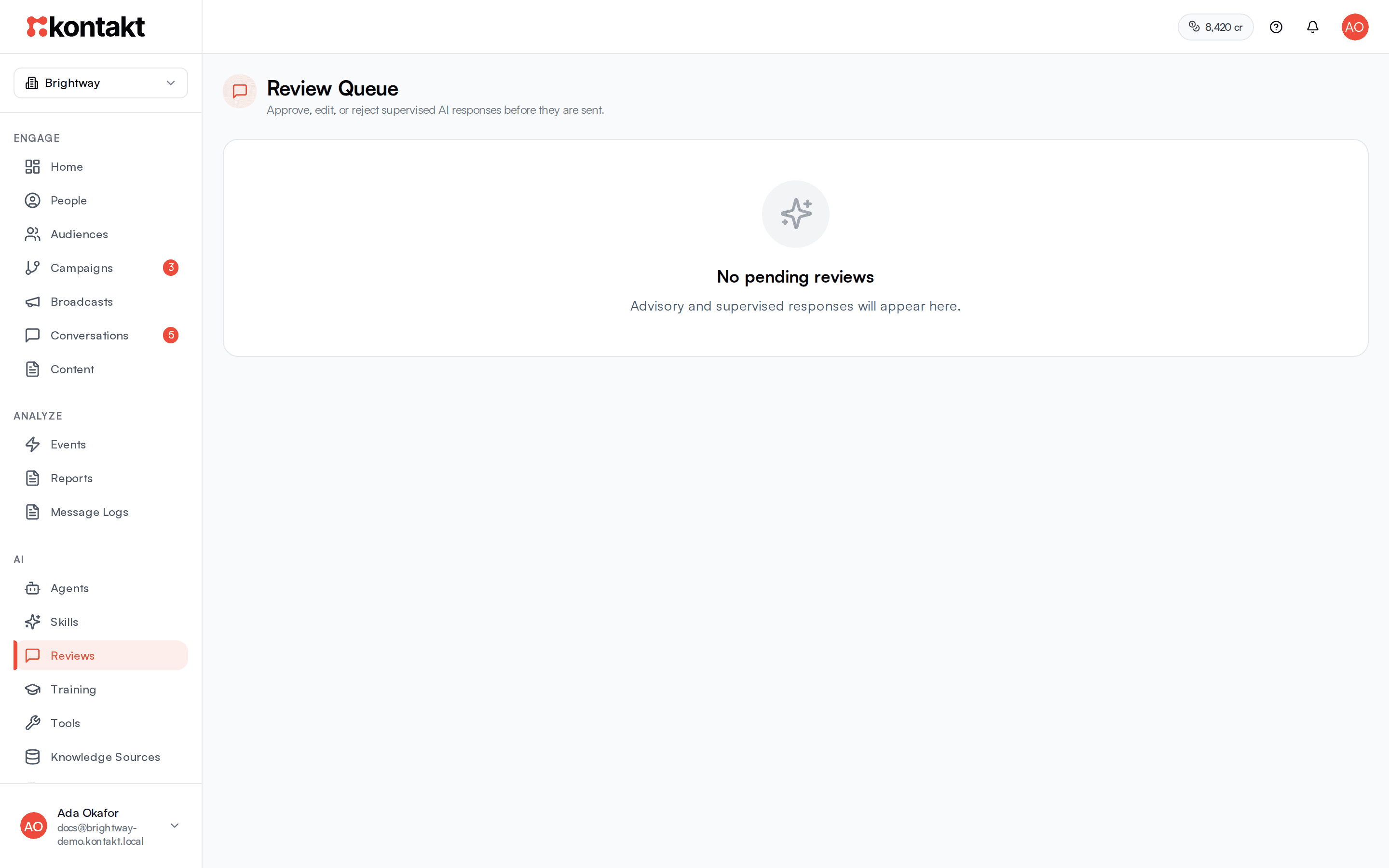
Go to AI / Reviews. The Review Queue lists each pending reply with the agent and skill that wrote it and any media it wants to send. If nothing is waiting you see No pending reviews.
Read and edit
Read the draft. You can change the text directly in the box.
Approve or reject
Select Approve to send the reply, including your edits, to the customer. Select Reject to discard it. Nothing is sent, and the conversation stays with your team.
You can also handle a review from the conversation itself. The inbox shows a Pending AI Review banner with the same approve and reject actions.
What happens after you decide
- An approved reply is sent as an AI reply and charged at $0.03. Drafts that are rejected are not charged.
- Media attached to a supervised reply is only sent on approval when Outbound media on review approve is turned on in AI settings.
- When you edit a draft before approving, or reject it, Kontakt records that as a failed answer for voice or accuracy. These show under Recent annotations on Agent health and count towards its top issues.
Rate AI replies
Under each AI reply in the agent Playground, and under AI messages in Conversations, there is a rating control.
- Choose Pass or Fail. Some screens ask Sounds like us? with Yes and No instead.
- For a fail, pick at least one failure mode and optionally add a Critique (optional).
- Leave Add to quality suite ticked to turn the conversation into a test scenario you can rerun after changes. You can give it a Scenario name.
- Select Save. The reply shows Pass, Fail, or In suite.
Import past conversations
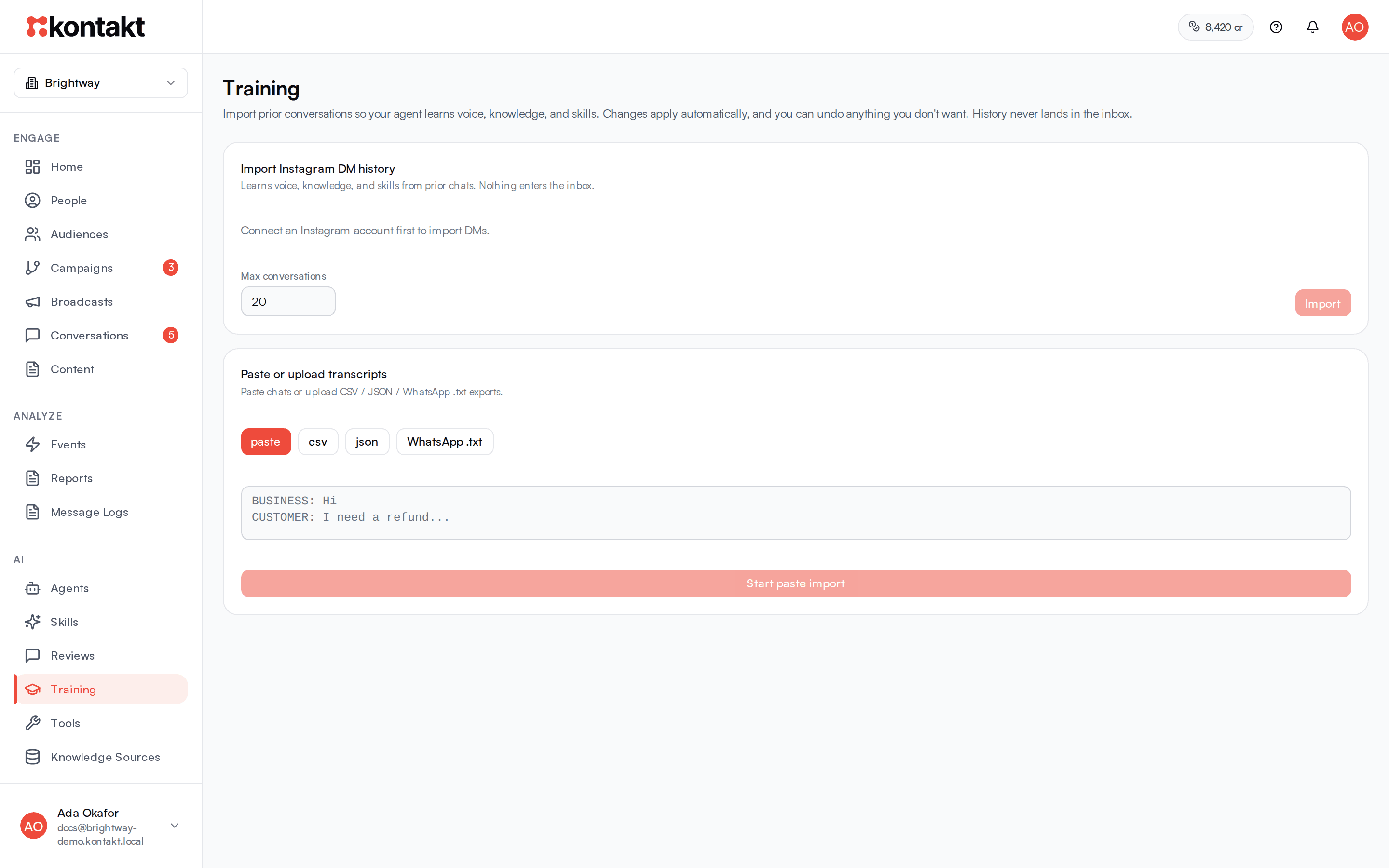
Go to AI / Training. Imported history is used to teach your agent and never appears in your inbox.
Choose a source
- Import Instagram DM history: pick a connected Instagram account, set Max conversations (1 to 500, 20 by default), and select Import.
- Paste or upload transcripts: choose paste, CSV, JSON, or WhatsApp .txt. For a WhatsApp chat export, fill in Business sender names (required for WhatsApp .txt) with the names your team used, so Kontakt can tell your replies from the customer's. Then select Start paste import or Upload file.
Wait for the import
The status shows Import in progress with the number of conversations, then Import complete or Import failed.
Check what your agent learned
Under What your agent learned, Kontakt lists what it applied:
- Voice profile: applied to your voice settings under Voice.
- Knowledge: added as a new knowledge source.
- Skill: a new skill created and ready to mount.
Changes are applied straight away. Select Undo on anything you do not want. Items listed under Needs review are not applied until you select Approve, or you can Reject them. Undone items move to Undone.
Start another
Select New import to bring in more history.
What training costs
Training imports use credits for each conversation imported. Undoing a learned item does not refund the import. See Credits and top-ups.
Troubleshooting
Replies are stuck waiting for review
Someone needs to approve or reject them in AI / Reviews or from the conversation. If you did not expect reviews, check the agent's Mode and whether the skill's Auth tier is Advisory.
The Instagram import option is unavailable
Connect an Instagram account first. See Instagram.
A WhatsApp .txt import learned the wrong voice
The business sender names did not match your export. Undo the voice profile, start a New import, and enter the names exactly as they appear in the export.
Training created a skill I do not want
Select Undo on it. If you already mounted it, remove it from the agent too.